Pindou Studio / Pattern library / Guides
Guides
Every guide is based on our own runs through Pindou Studio: the same picture at different sizes, color limits and settings, with the real patterns, bead counts and quality scores.
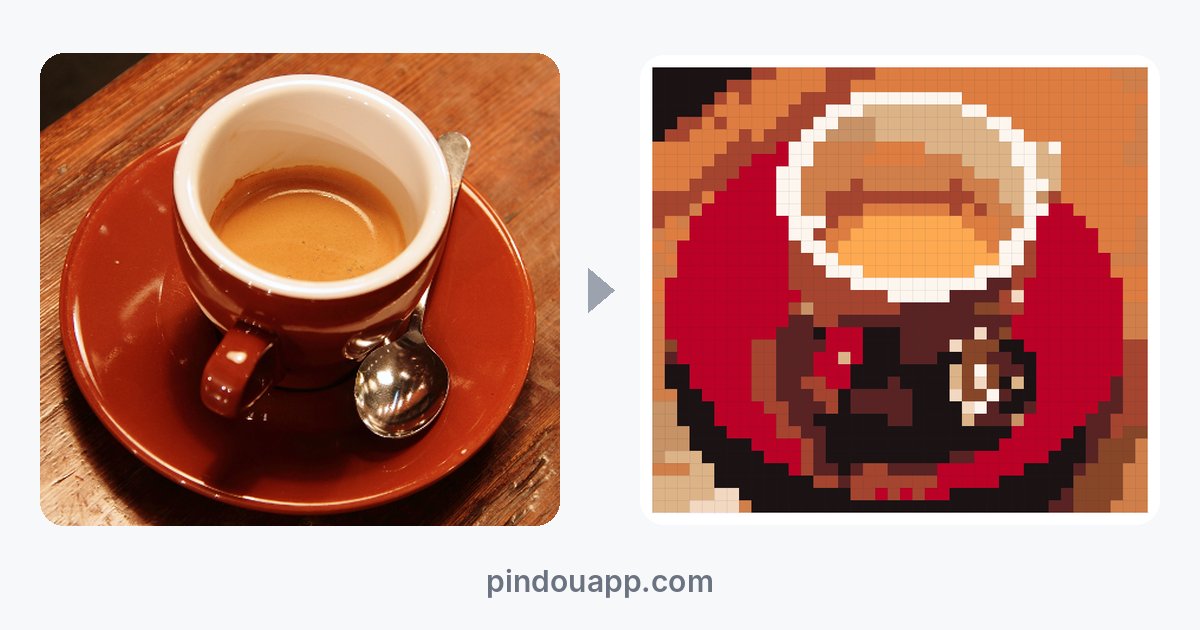 How to turn a photo into a fuse bead pattern: one photo, three approachesCrop first, aim for 40–56 beads and 12–16 colors. Our coffee-cup test went from 6,700 beads to 1,440 — and looked clearer.
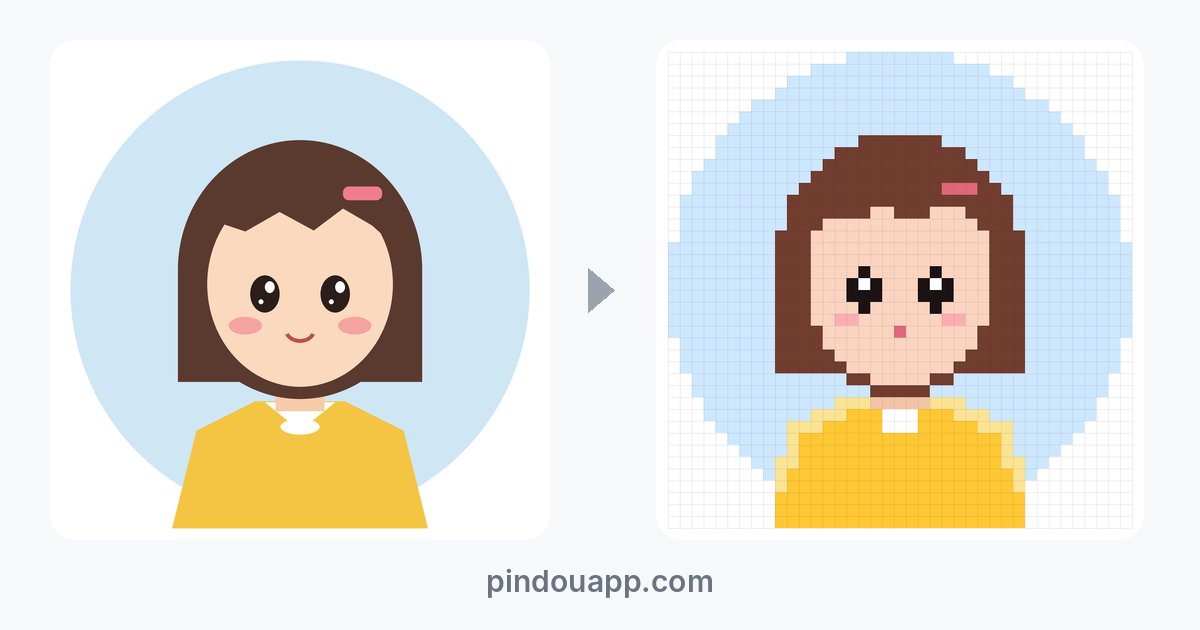 How to choose a bead pattern maker: six checks you can test with one pictureAlmost every tool makes a grid; the difference is whether you can build from it. Test six things with one portrait.
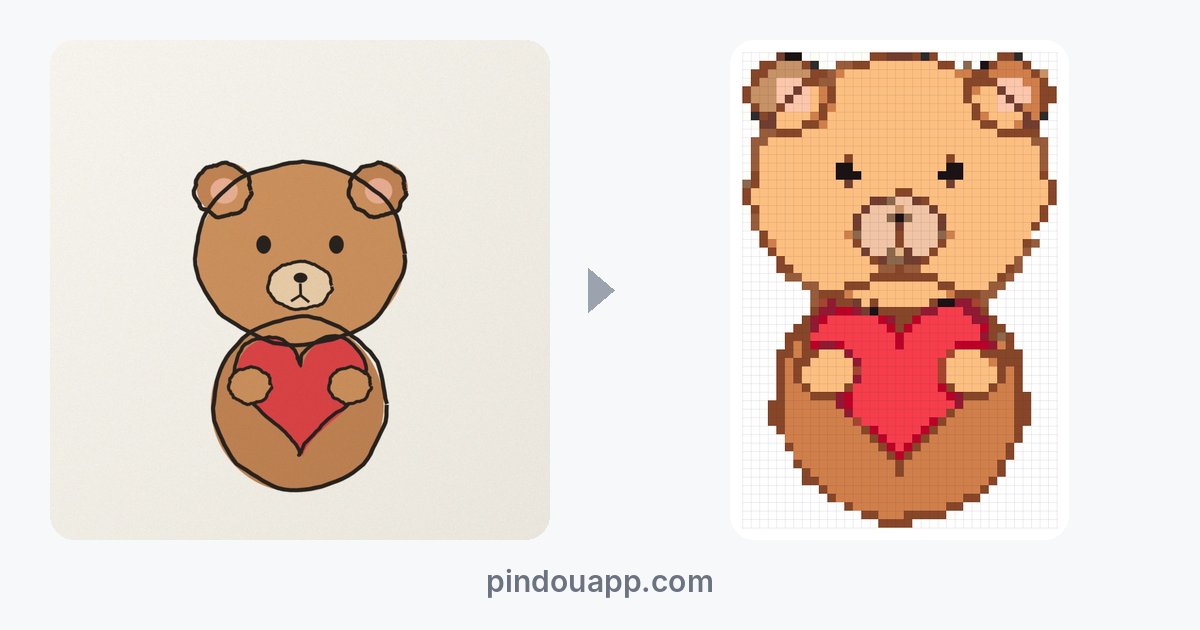 Turning pet photos, avatars and drawings into bead patterns: three testsCrop a pet photo to the face and use 48; a flat avatar keeps eye highlights at 40; our hand-drawn bear needed 56.